Excel Time Sheet with Breaks
Download customizable timesheet templates for Microsoft Excel® and Google SheetsSee on this Page
Keeping track of your payroll can be one of the most frustrating and time-consuming elements of running a small business - especially if you have staff working irregular hours. Keeping your records up to date is crucial.
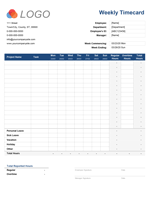
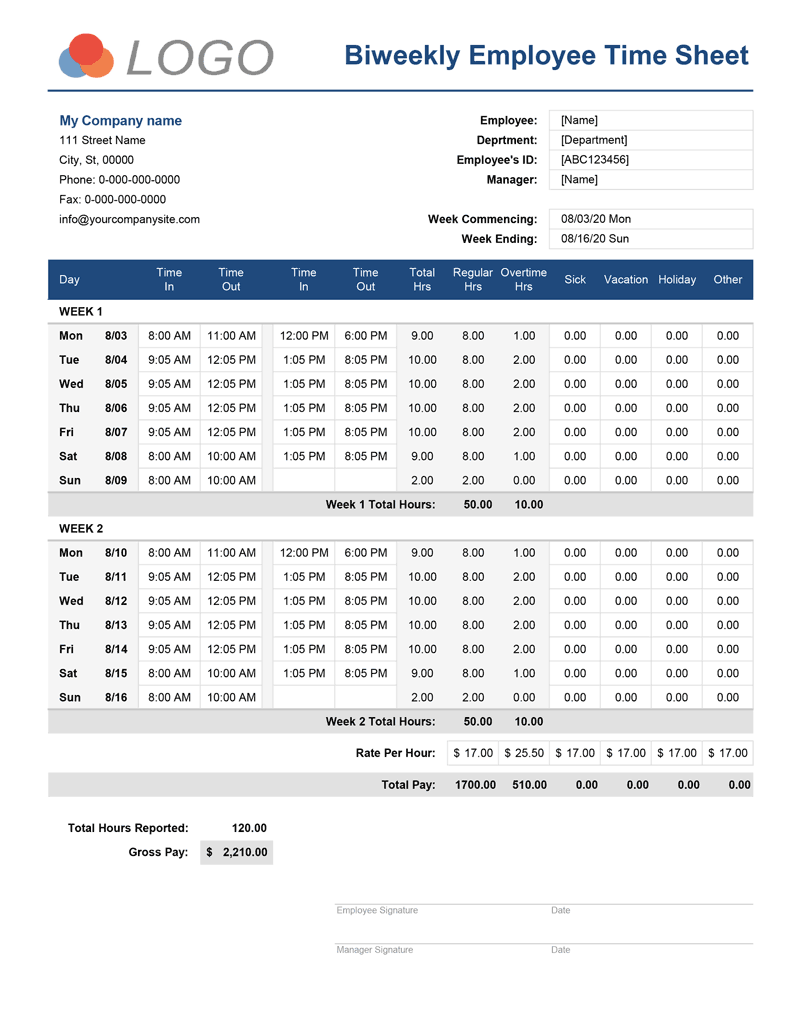
Our printable excel timesheet helps simplify and organize employee payments by creating an accurate record of staff hours and rates of pay. It can calculate total overtime, as well as sick days, employee breaks and vacation days, to ensure every minute of the working day is tracked and recorded.
Time Sheet Template with Breaks
for Excel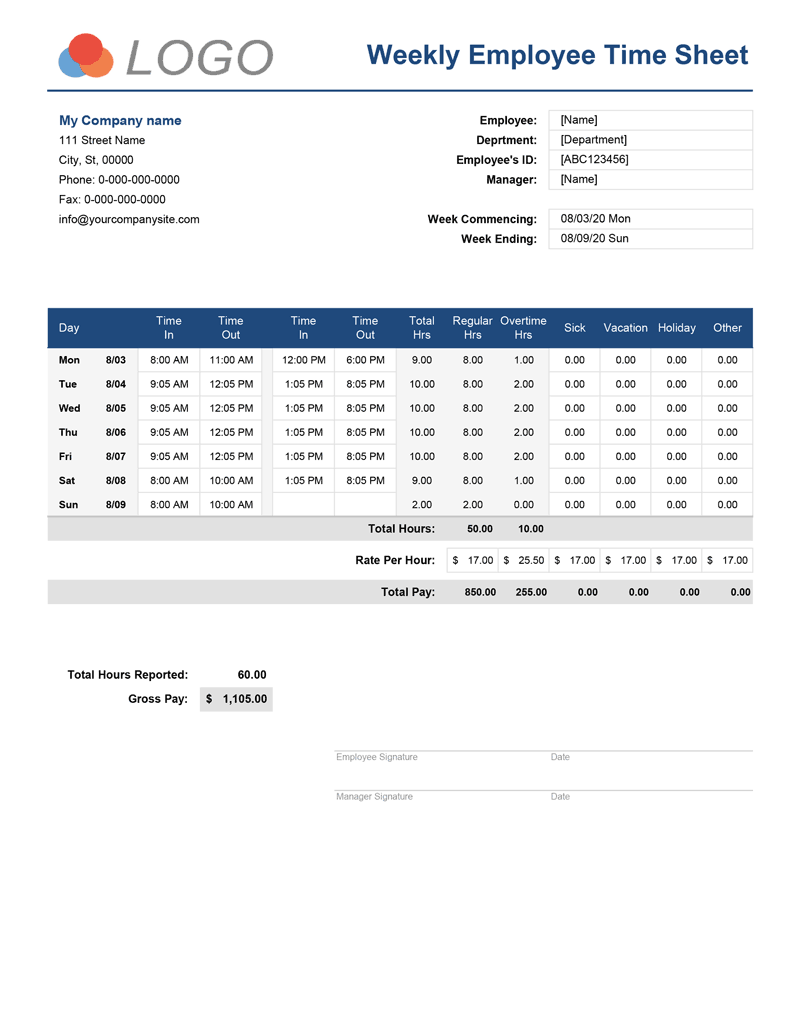
Categories
Timesheets & Payroll BusinessScreenshots
1 2License
Specifications
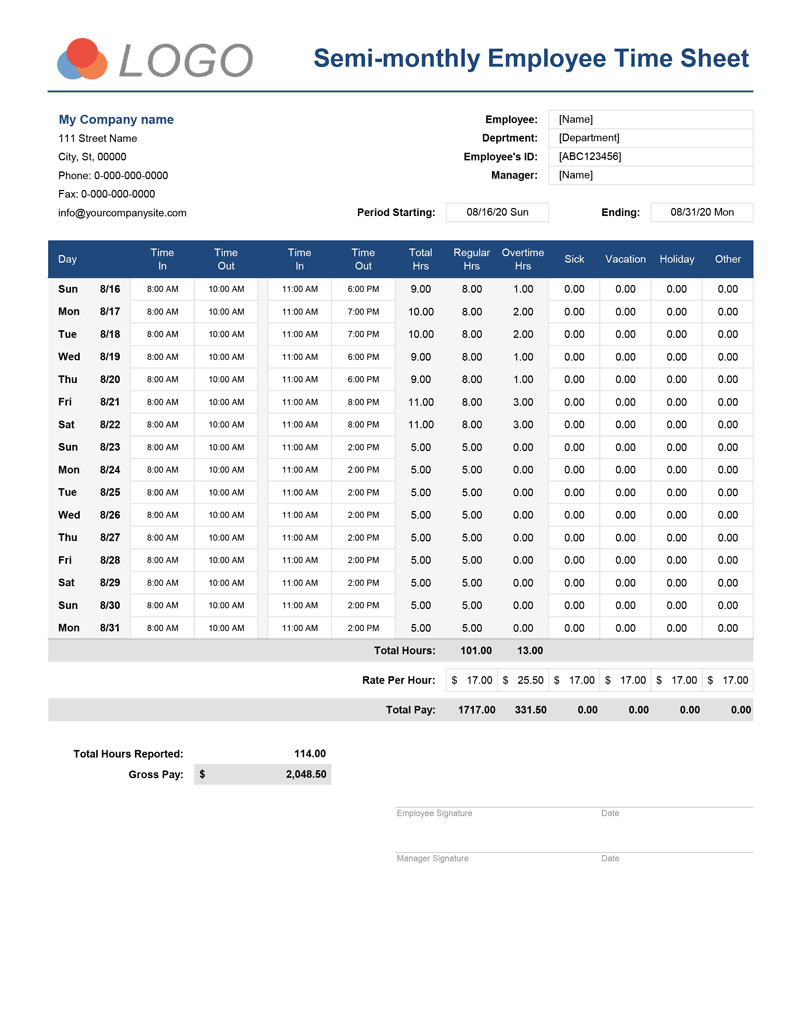
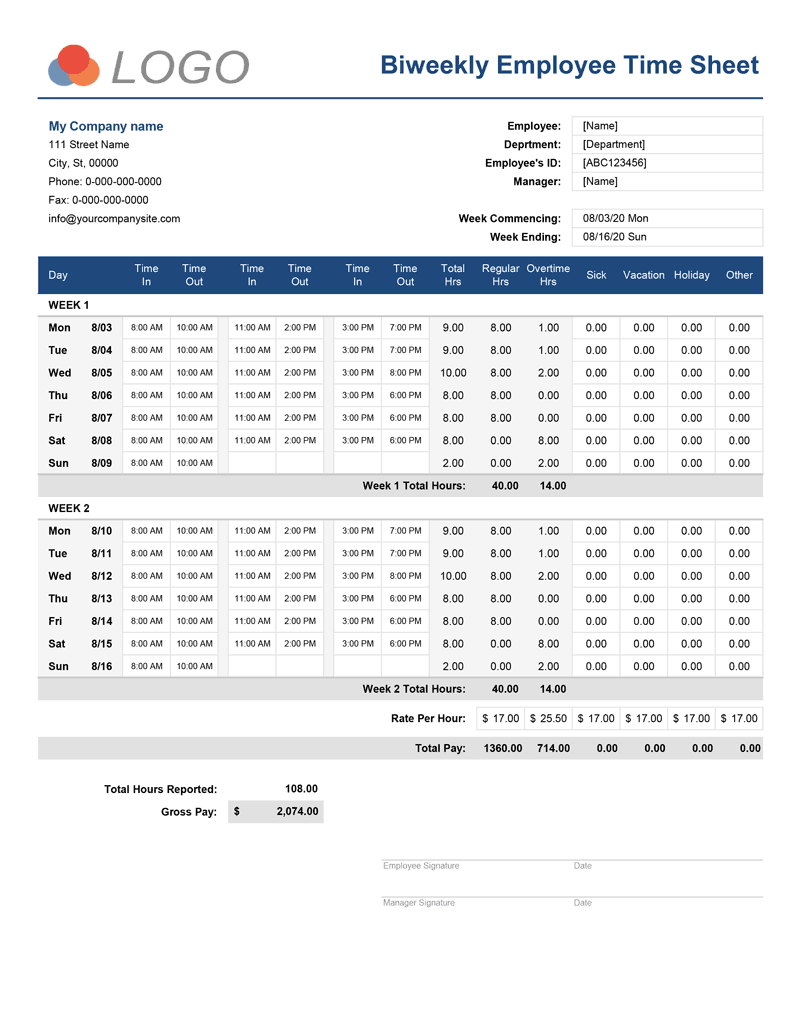
Weekly and Biweekly Timesheet with one break
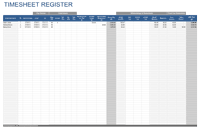
This simple version of our Timesheet template tracks the hours of staff who are permitted one continuous break during their working day. The user will enter the time in and time out into the timesheet, which will be used to calculate hours worked and gross pay. A second tab within the timesheet can display the same information in an hh:mm format, to give the user even more control over how data is stored and presented.
Monthly & Semimonthly Timesheet with Breaks
for Excel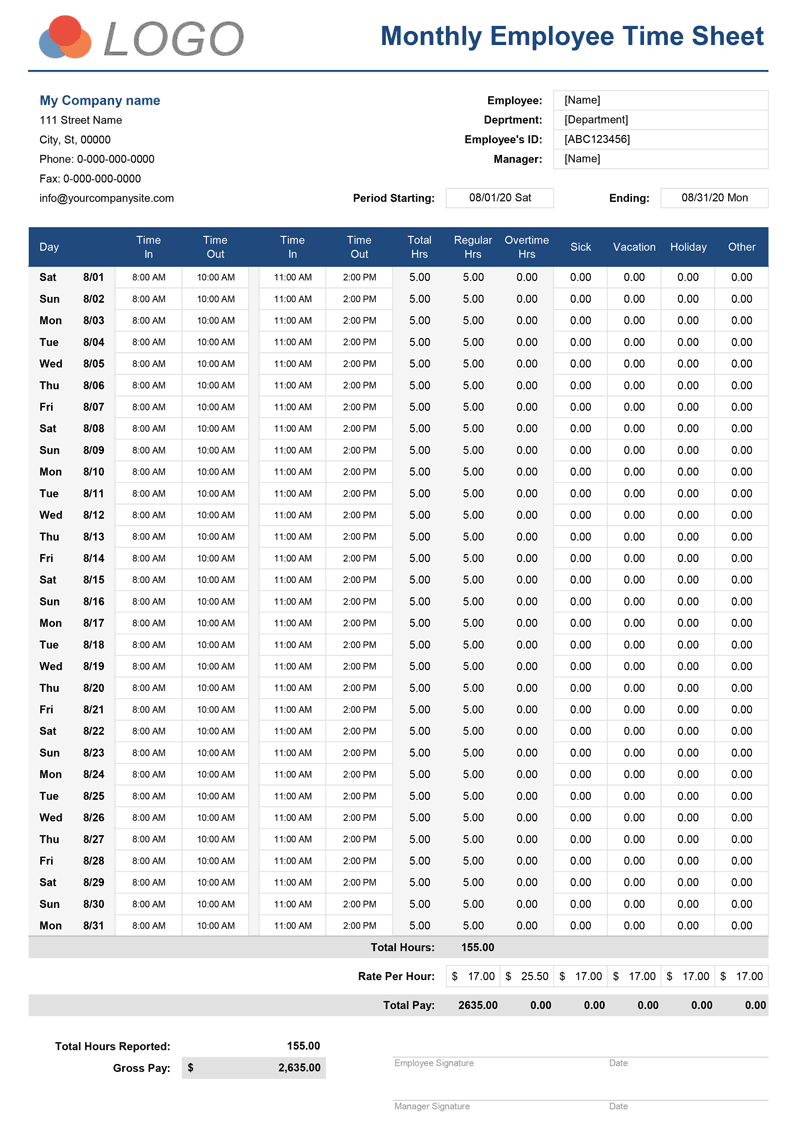
Screenshots
1 2License
Specifications
Time Sheet Template with Two Breaks
for Excel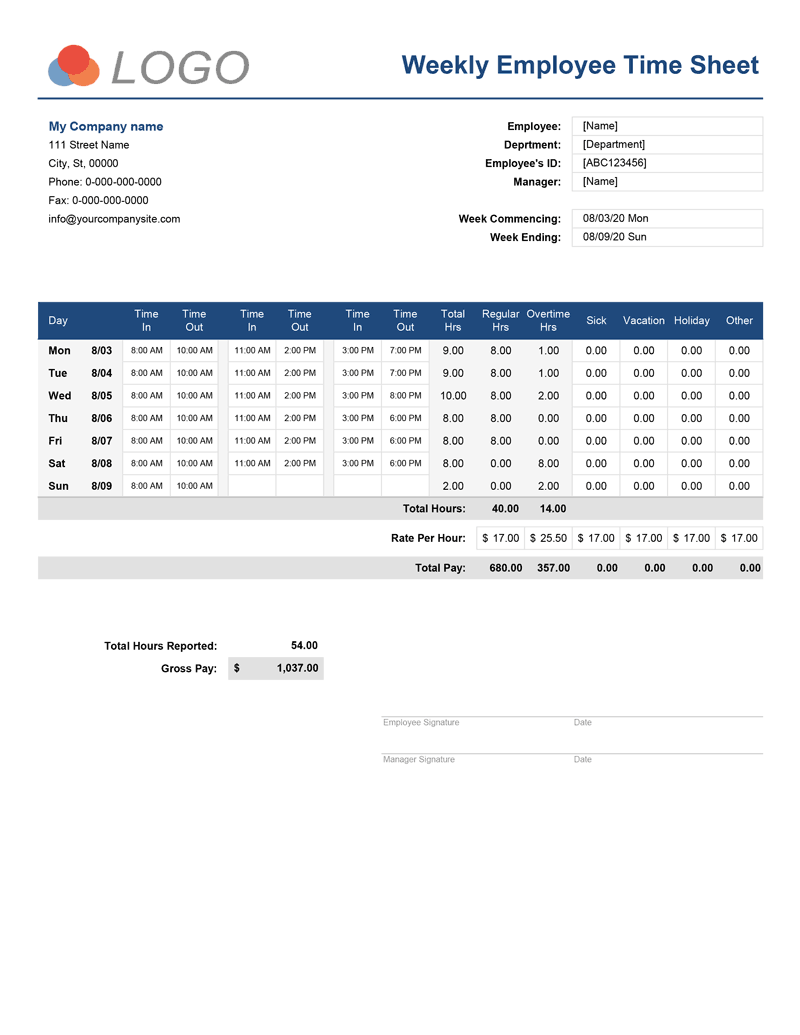
Screenshots
1 2License
Specifications
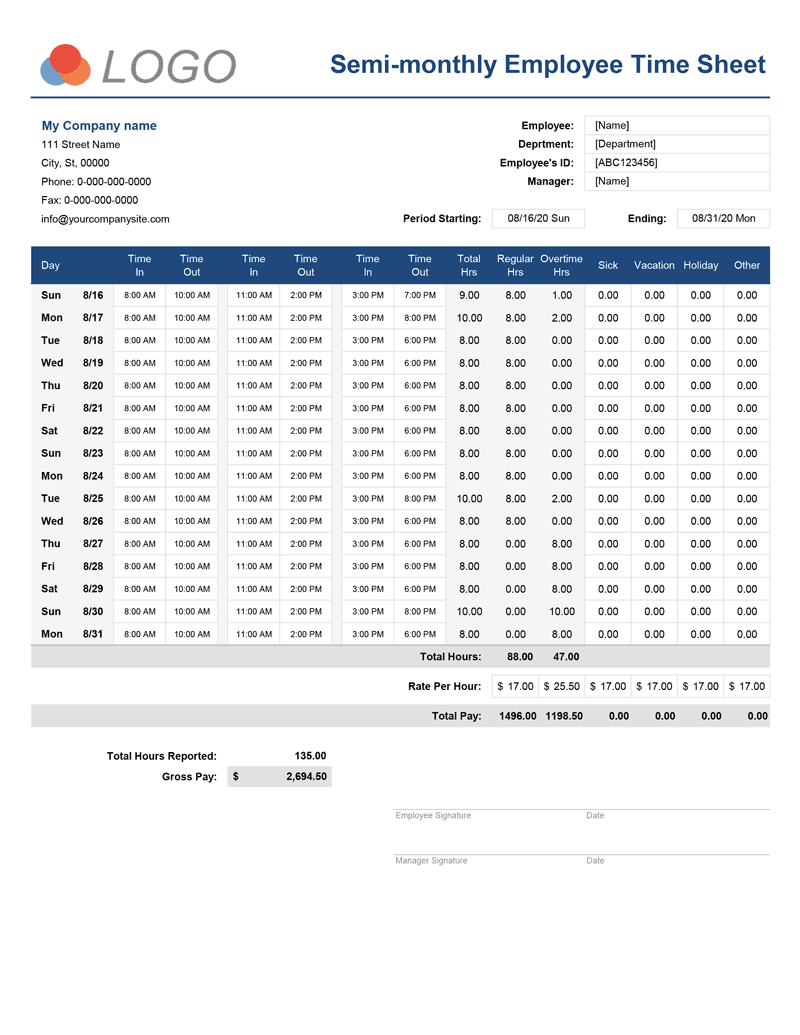
Weekly and Biweekly Timesheet with two break
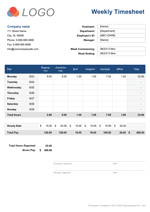
This is a modified version of the timesheet that allows the user account for two breaks taken by employees during their workday. For example, tracking a break in the morning and another during the afternoon. This data must be entered manually. This timesheet also features a tab allowing for data to be presented in hh:mm format, depending on a user's preference.
Monthly & Semimonthly Timesheet with Two Breaks
for Excel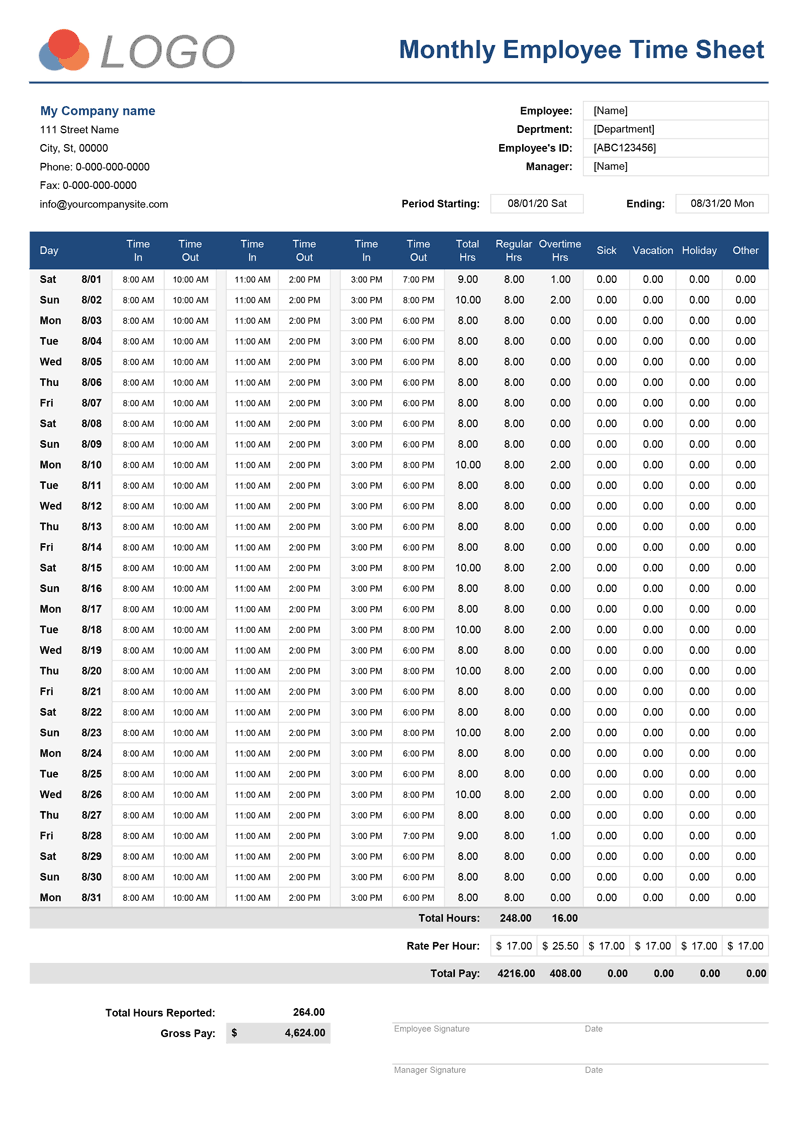
Screenshots
1 2License
Specifications
Time Sheets with Breaks in Minutes
Some text about another timesheet template that allows entering total break times in minutes as opposed to it being calculated as a difference between the clock in/out times before and after the break. We will also have to mention here about the timesheet designed to follow the law of California Overtime.
How to use Time Sheets
The bespoke timesheet can be tailored to the needs of individual business and payroll data can be displayed in either weekly, bi-weekly, monthly or semi-monthly formats. This allows you to track and display staff hours in the way that best serves your needs.
Our sheet includes an option to display hours in hh:mm format to account for specific or irregular shift patterns.
Our payroll timesheet can be set up in minutes and customized so you can add your logo and company details through the settings tab within the template. Data can either be entered by senior management or the employees themselves.
If employee confidentiality is a concern, the user can hide hours worked and gross pay to prevent it from being displayed. Simply highlight both fields within the template, right click and select 'hide' from the menu.
Crucially our template allows you to calculate employee breaks during a shift - whether it is a single hour-long break or two shorter ones during the day.
The timesheet automatically accounts for shortened months, including national holidays, by using an integrated calendar to control the payroll period.
Printing & Sending the Time Sheet to your Employer
Some instructions, help and suggestions would not hurt anyone...
Time Sheet Overtime Options
Overtime can be calculated in one of four ways based on the regulations local to your business. It can be altered by a simple drop-down menu to choose how the rate is calculated: - After regular daily hours; After regular weekly hours; After regular daily & weekly hours and As regular daily hours.