Timesheet Template for Excel & Google Sheets
Track employee work hours in your business using the timesheet for Excel® | Updated 4/5/2026For new businesses, our timesheet template provides an ideal and free time tracking solution. The beauty of this tool is in its simplicity. Our template saves you the trouble of making your own timesheet from scratch or having to purchase, install and learn new time tracking software. We have designed our free timesheet in Excel, Google Sheets and OpenOffice, so that you may simply download the tool and easily customize it to meet your needs. Additionally, with the use of Google Drive, DropBox or OneDrive, you can easily set up an efficient online time sheet solution. This simple system allows employees to submit timesheets online and saves time for employees and business owners alike. Furthermore, if you wish for your employees to use printable time sheets, you can download our customizable PDF version for printing blank timesheet forms.
The timesheet template on this page offers a simple way of reporting total hours worked. It is ideal for most companies. If you need an alternative method for reporting clock in/out times, breaks, etc., and let Excel handle calculations of the hours worked, check out our Time Card Calculator or the Time Sheet with Breaks. Also, try our Timecard template, which is ideal for tracking hours worked on specific tasks of a project.
Features
- Add and calculate total hours in decimal or hourly (h:mm) format.
- Monthly mini-calendar that you can refer to when entering the week commencing date.
- Print an official timesheet with signature strips.
Weekly Timesheet Template
for Excel, Google Sheets, PDF & OpenOffice.org Calc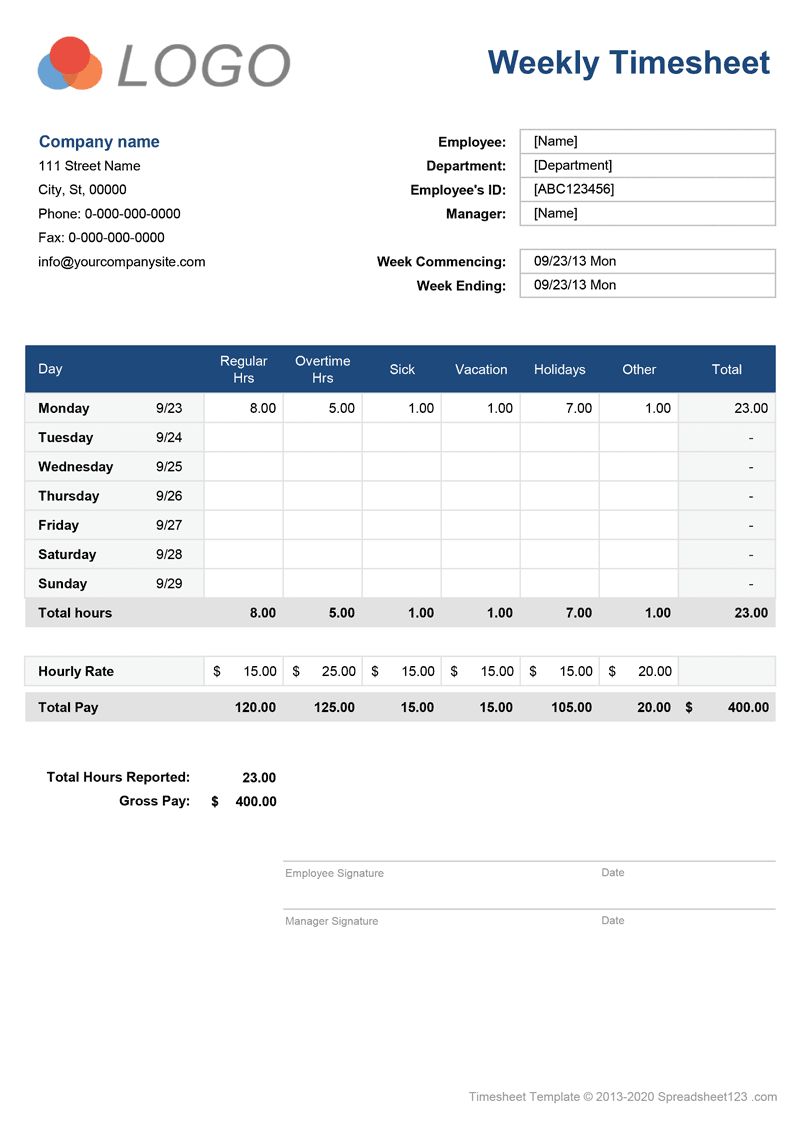
Categories
Timesheets & Payroll BusinessScreenshots
1 2License
Specifications
Description
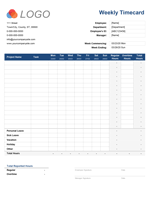
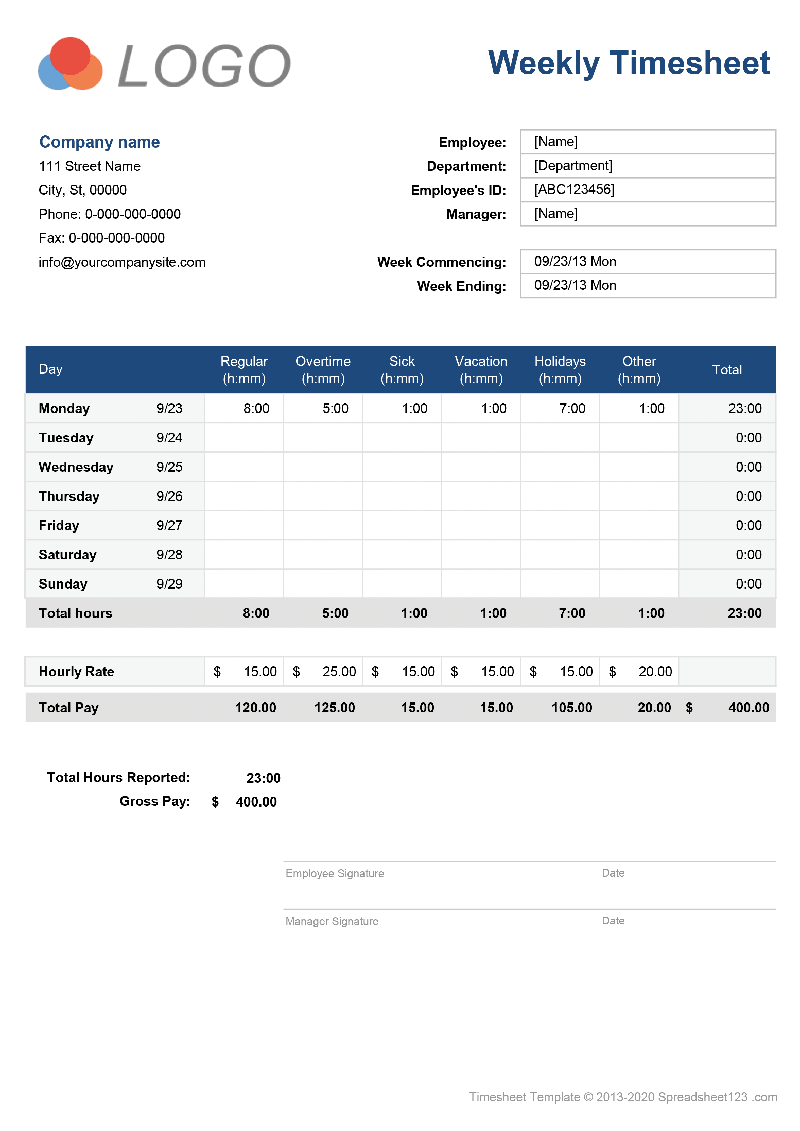
This weekly timesheet includes separate worksheets for entering hours in decimal or standard hourly [h]:mm format. This version is capable of calculating total hours grouped by each day of the week and the total aggregate weekly hours. You can enter hourly pay rates to calculate gross pay. You can also use PDF version of printable weekly timesheet form. The PDF timesheet lets you select the week starting date from the mini-calendar and enter your company and employee details in order to print blank timesheet forms for your employees to fill out by hand.
Biweekly Timesheet Template
for Excel, Google Sheets, PDF & OpenOffice.org Calc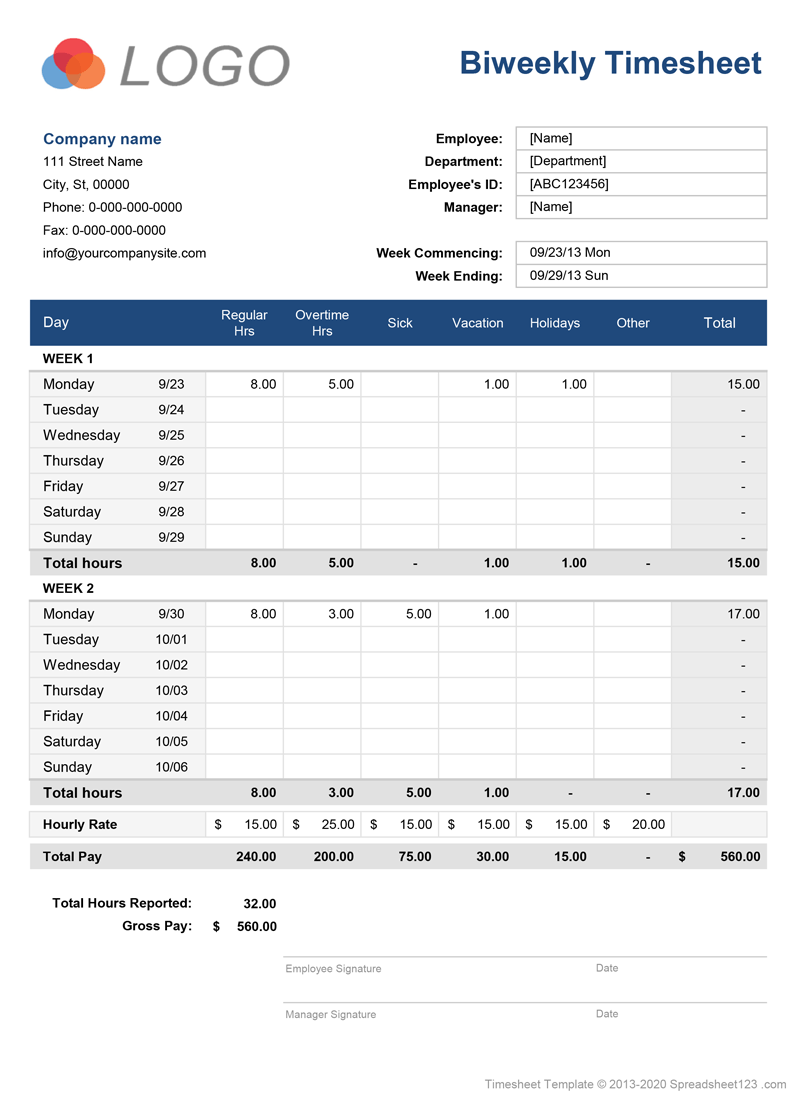
Screenshots
1 2License
Specifications
Description
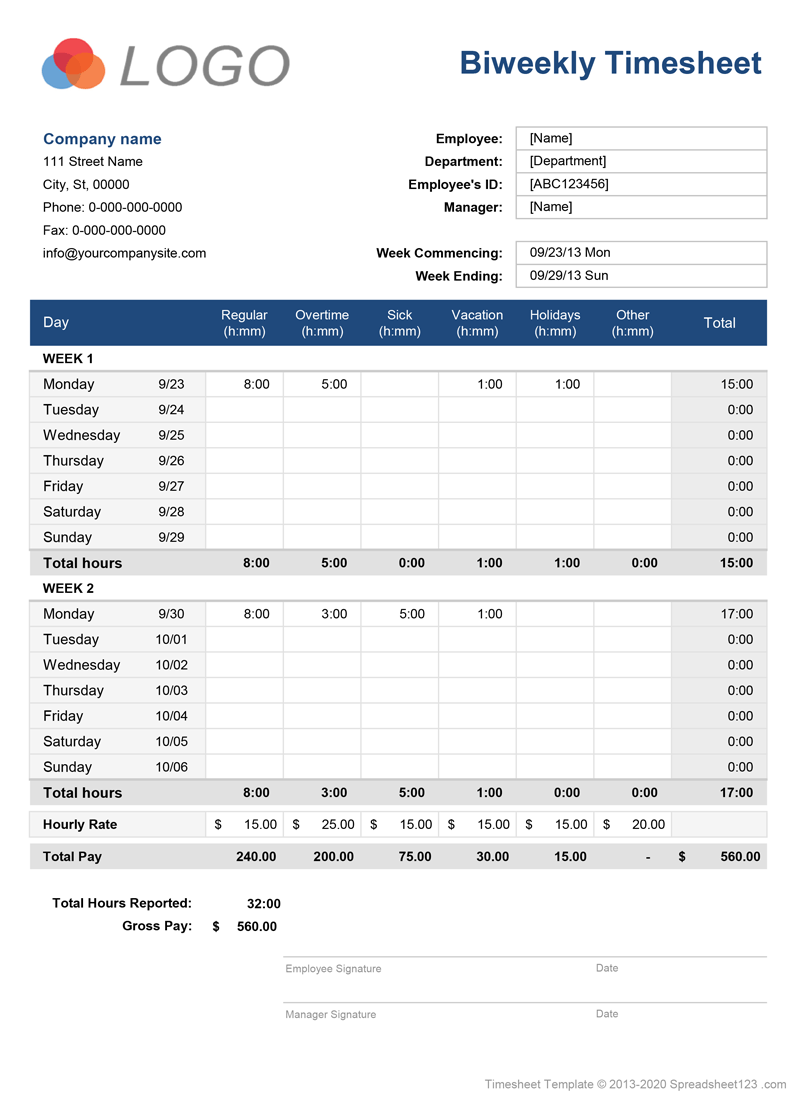
This biweekly timesheet is merely an extended version of the weekly timesheet. It offers the same consistency and design as you get with the weekly version except that it spans two weeks.
How to Use your new Timesheet Template
To start using this timesheet, you will need to follow just a few simple setup steps:
Update Company Information: the template includes the Settings worksheet that lets you quickly update essential company information displayed on both timesheets included with this template.
Create Timesheet Master File: Before you start updating the employee information, consider an option for creating a master copy of the file for every employee. You can use easily identifiable filename, such as employee_name_masterfile.xlsx to name your master copies or other name structure.
Update Employee Information: Each of the templates contains a timesheet for entering times using decimal or hourly [h]:mm format on a separate worksheet tab. After deciding what format is more suitable for you, update the employee information in the header of the timesheet.
Hourly Pay Rates: the hourly rates section provides an option for assigning different pay rates for regular and overtime hours. You may want to include your company policy explaining the different pay rates for overtime, vacation, holiday pay, etc. either as a separate worksheet or as a side note on the right of the timesheet.
Decimal Time Format: the pros of entering time using the decimal format is the speed with which your employee can fill out the timesheet. Cons of using this format are the fact that the hours entered must be rounded to the nearest quarter of an hour. For example, you can enter 15 minutes in a decimal format as 0.25, 30 minutes as 0.5, and 45 minutes as 0.75. We have included a time conversion table in the sidebar, as a reference, but even with the use of the table, you can only round time to the nearest 3 minutes.
[h]:mm Time Format: this format allows employees to enter the exact time without having to work out how to round their work hours to the nearest minute. This format is much simpler to use, as most people think of time in terms of hours and minutes. If you need your employees to enter the exact hours down to the last minute, use the hourly (h:mm) format.
Sending the Timesheet: the conventional method, although not the recommended, would be to print completed timesheet on paper and then submit it to your manager. An alternative to printing is to convert your completed timesheet to a PDF file first and then email it. In order to create such a PDF file, go to Save As and choose PDF from the list of file types. You can also print to PDF, but this requires additional software, such as Adobe Acrobat or Microsoft Print to PDF.
To learn how to use this timesheet without having to print or convert files to PDF, continue reading below, where we explain how to create a simple in-house online time tracking system using our timesheet templates.
Optional Customizations
Depending on how you use timesheet in your business, you may want to consider the following optional customizations. If you do not intend to use the timesheet as a part of the electronic time tracking system proposed below on this page, you may want to delete the lines containing the rate and pay information before printing to keep this information confidential. Additionally, you can tweak the design to make it ink-friendly by removing the background colors and changing font color to black or dark grey.
Electronic Method for Time Tracking
The method described here may be particularly useful if your employees are working remotely or if you do not require them to submit a paper copy of their timesheet. The advantages of using the electronic method, as opposed to conventional printing methods, are self-evident. Your employees can update their timesheets online daily, without having to submit anything to you. The information for your payroll system is readily available by accessing completed timesheets. Both, you and your employees can store a copy of the timesheet for archiving purposes.
You can download the timesheet template and place it in a private network location, such as OneDrive, DropBox, Google Drive, SharePoint, etc. We already have a version available for Google Sheets, which you can download to your Google Drive. Create a copy of the file for every employee in your organization, then share the timesheet with your employees individually (Learn how to share files from Google Drive and share files on OneDrive). Your employees will be able to access and update their timesheets online on their PC, Mac and mobile device.
We allow private sharing of the template, as long as it is not placed on the public network or public template gallery and it is not accessible to users outside your organization.
At the end of each pay period, you could record data from timesheets to your payroll spreadsheet, then clear all hours from the timesheet and update the Week Commencing date to prepare timesheets for the next pay period. For archiving purposes you may also want to store a copy of the timesheet file before deleting any data from it.
Multiple Employee Timesheet Tracking Software for Employers
If you do not already have a system for keeping track of the hours worked for multiple employees, you may find our free and easy to use Timesheet Register software particularly useful. This software derived from our original Payroll Calculator that lets you store the employee payroll related information, as well as record the hours worked by each employee, on a timesheet register.