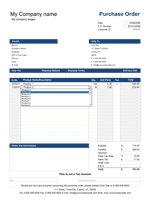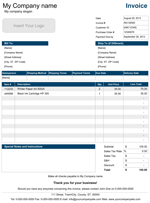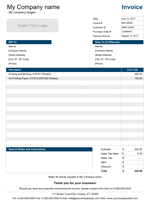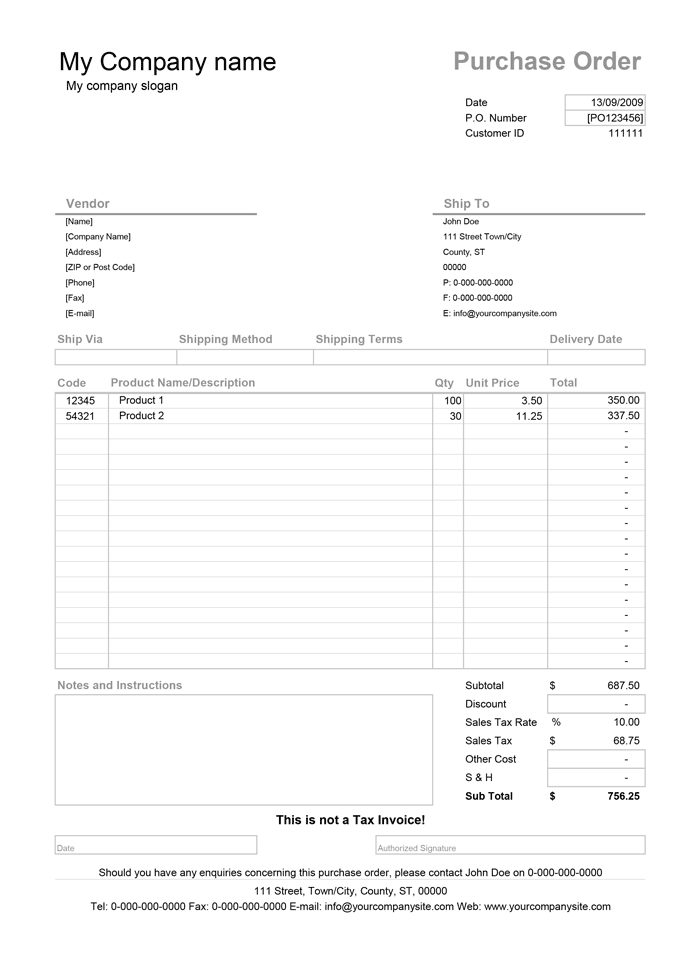
Purchase Order Template
Download a free Purchase Order Template for Excel® and Google SheetsA purchase order form is a type of business document typically used in business-to-business transactions to streamline the ordering process.
Spreadsheet123's Purchase Order (PO) template for Excel is a straightforward and budget-friendly solution for your business. Most small and medium businesses do not need any sophisticated PO software and can easily rely on purchase order templates to manage their ordering process. To get started in a matter of minutes, download our purchase order forms for Excel or Google Sheets, update it with your company details, contact, and shipping information to create an order form for your business.
If you are a vendor and think that both you and your customers can benefit from using our purchase order form, you can merely point them to this page.
For a great deal of consistency, you may also want to download our professionally designed, fully customizable, and free sales invoice template from which this PO template has originated.
Purchase Order Template
for Excel, Google Sheets, OpenOffice.org Calc & Word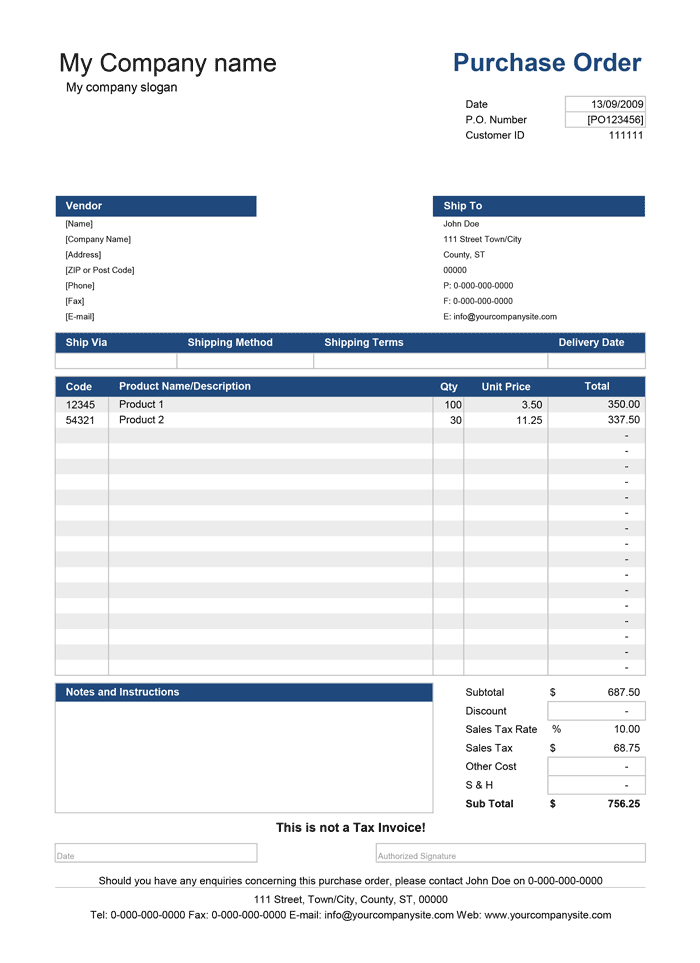
Categories
Invoices BusinessScreenshots
1 2License
Specifications
Follow these steps to create a purchase order:
- The template contains a settings tab where you can customize the purchase order spreadsheet adding your company's name, address (shipping information), and contact. Here you can also select the relevant tax, enter the tax rate, select currency symbol, and choose the color scheme of the purchase order form.
- Update the Vendor section with the seller's contact information. (You may want to save a separate copy for each vendor)
- Update the "Ship To" section with the relevant contact information if different from your primary shipping information.
- The template includes an area for a purchase authorization signature and the date of authorization. You can hide this row if you do not need authorization.
- Save a backup copy of the PO file for each vendor as a PDF and email it to your supplier.
Purchase Order with Vendor List
for Excel & OpenOffice.org Calc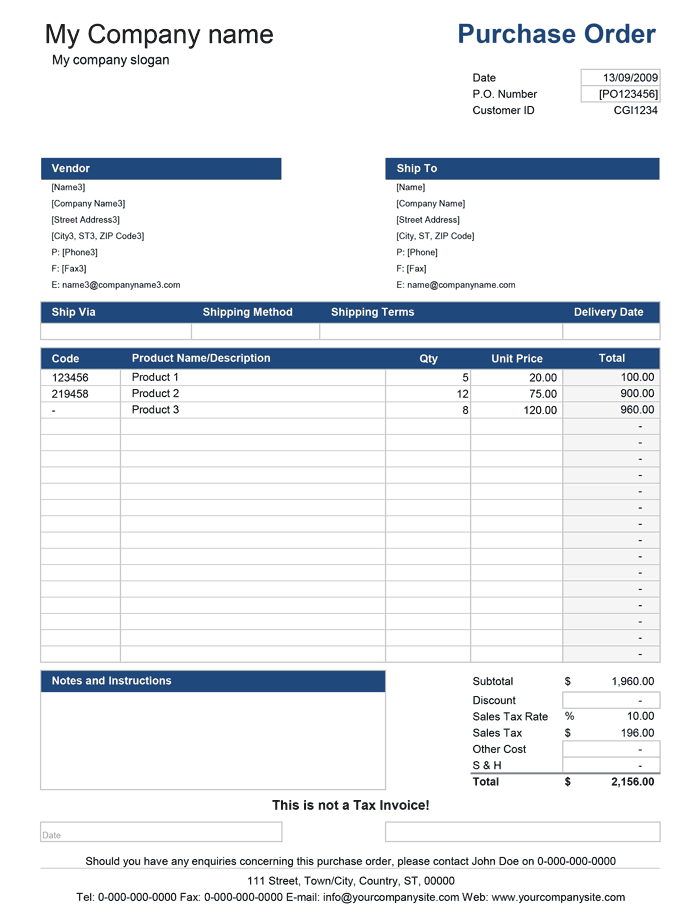
Categories
Invoices BusinessScreenshots
1 2License
Specifications
Description
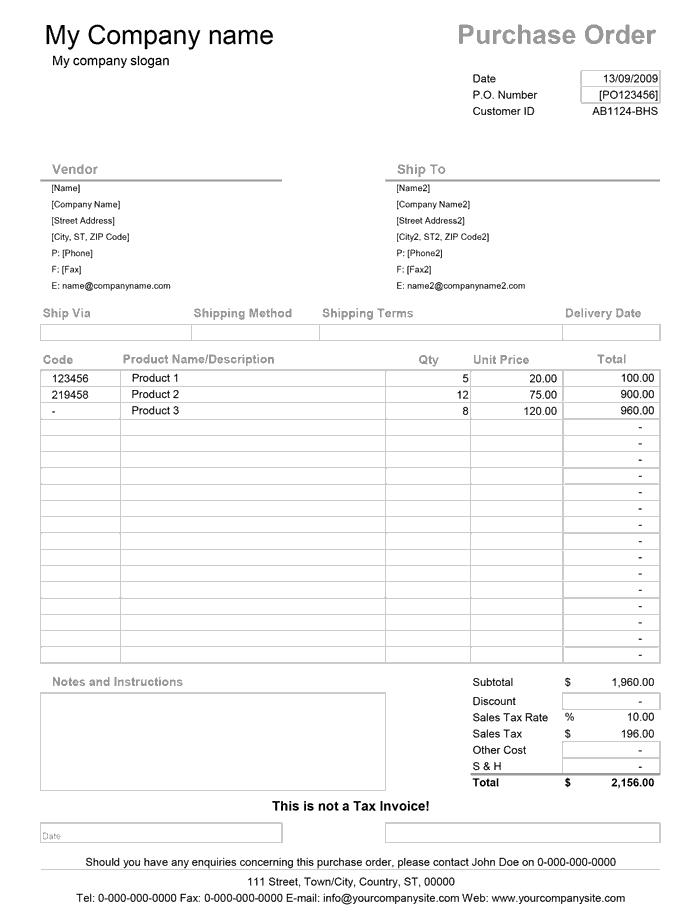
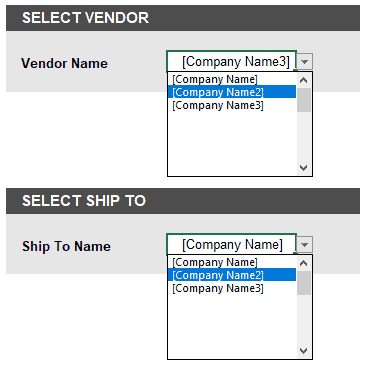
Although this version of the purchase order template is very similar to the PO form offered above on this page, it includes some additional features that you might find useful, primarily if you use the same order form with many vendors. The template contains drop-down lists for selecting the Vendor and the Ship-To location. You can add/modify the information about your vendors and shipping destinations on the relevant worksheets.
Purchase Order vs. Invoice - What's the difference?
A Purchase Order (PO) is an official form of confirmation completed by the party (buyer) with the intent to purchase a specified type and quantities of products and services from the seller. The purchase order is, in essence, a summary of the products and services (and the agreed-upon price) that the buyer agrees to purchase from the seller. Although the PO often resembles an invoice as it contains relatively similar information, a purchase order is not an Invoice.
The parties enter into a mutual agreement when a seller can fulfill the request and accepts the purchase order. The seller will then raise an invoice to indicate the payment owed or a receipt for a payment already received. When businesses have a long-standing relationship, buyers will often purchase items on credit and are billed by the supplier at regular intervals by sending either an invoice or a billing statement for a period. If a PO is used, the invoice usually includes a PO Number as reference. Any additional documentation that accompanies shipment, such as packing slip or delivery note, must also include a PO Number and/or Invoice Number as reference.
Do I need a Purchase Order?
A purchase order is a document that can bring measurable benefits. Typically, using a PO in your practice will help to communicate, in great detail what you want to buy from a vendor, in what quantity, and how you want the order and shipment handled. The advantage of having a purchase order extends to any potential issues related to payments and deliveries, which may arise and can help to handle any disputes. Additionally, a purchase order is an essential part of managing accounts payable, primarily where the responsibility of handling purchases, inventory, and payments may lay on multiple departments or people.
How to Use the Purchase Order Template
As with most of our templates, this template includes a settings tab where you can configure the essentials of the purchase order. Some of the elements are optional. The values placed within [brackets] are for demonstration and should be replaced with your company or supplier information. Some cells include formulas responsible for automatic calculations. The worksheet contains several fields described below:
- P.O. Number - The unique P.O. number used by buyers to track their purchase orders.
- Customer ID - The Customer ID is optional, but is usually given to you by your supplier when you open an account.
- Vendor - The name and contact information of the seller.
- Ship To - The name and address of the company where products should be shipped.
- Ship Via - Preferred courier service or shipping method, such as DHL, UPS, FedEx, etc. requested by the buyer.
- Shipping Method - The method of shipment requested by the buyer such as, "Express Shipping", "Priority Shipment", "Economy", etc. This field can also be used to describe a F.O.B (Free On Board), which is usually a destination point at which a seller is no longer responsible for shipping cost. More information about F.O.B. is available on wikipedia.org
- Shipping Terms - This field is usually used for information, such as payment method, payment terms, storage of goods in transit or any other requirements set by the buyer. Any additional information or instructions can be described in the Notes and Instructions section of the PO.
- Delivery Date - A preferred date by which the buyer expects products delivered.
- Discount - This field includes a discount (if any) that is then subtracted from a subtotal.
- Sales Tax - The sales tax is a subtotal minus the discount then multiplied by a tax rate. The tax rate can be changed in the setting.
- Other Costs - Any additional costs.
- Shipping & Handling - This field is for entering the amount of any shipping and handling charges, such as specific packaging requirements, refrigeration in transit, etc.
- Authorization - Authorization signatures to accept the agreed-upon order, including any terms and conditions.
General information about purchase orders is available at Wikipedia.org.
How to Send a Purchase Order to a Supplier
Generally, we do not recommend printing and mailing your POs unless this is unavoidable. Instead, you can use a PDF printer, like Adobe Acrobat or similar to convert to a PDF file then send the completed purchase order to a vendor. If PDF printer isn't an option, Excel allows you to easily save your worksheet as a PDF file via Save As then selecting a PDF from the Save as type list. For the Google Sheet version, you can download your worksheet as PDF via File > Download > PDF Document (.pdf).
If you are a Vendor or Supplier and want to use this purchase order with your clients, you can link to this page so that your clients can download their copy. You are also welcome to offer your clients to use a pre-configured printable PO as a PDF file, which you can place on your website. Alternatively, you can send a pre-configured Excel version to a specific client provided that you don't remove, hide or modify our trademarks, copyright notices, and Terms of Use, and you don't publish this spreadsheet on your website or elsewhere on the internet.