Price Quote Template
Prepare professional price quotes for customers with ease, using this simple template for ExcelSpreadsheet123's Price Quote Template is just the right template for you if you have to prepare multiple quotations day in day out. This template simplifies the creation of accurate price quotes for both products or services. You can now conveniently create and send price quotes to your customers within minutes with the help of Excel. Price quote is a form of the contract between a vendor and the customer and can be considered as a legally binding agreement to deliver goods/services upon agreed terms and at a predefined price.
Typically, a price quote needs to provide some basic information like:
- The quote must clearly define the price for goods or services and any terms that the customer can agree and confirm.
- The quote must list all products or services individually with a price in a separate row.
- The date until which the agreed price is considered valid.
The price quote is a comprehensive template and it includes all the details mentioned above.
Price Quote Template
for Excel, Google Sheets & OpenOffice.org Calc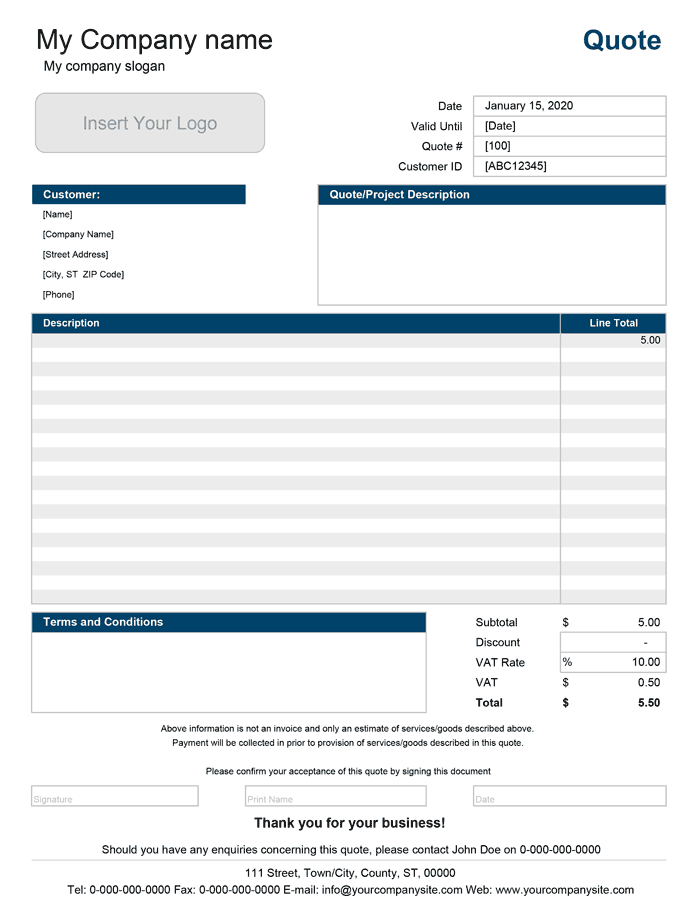
Categories
Invoices BusinessScreenshots
1 2License
Specifications
Description
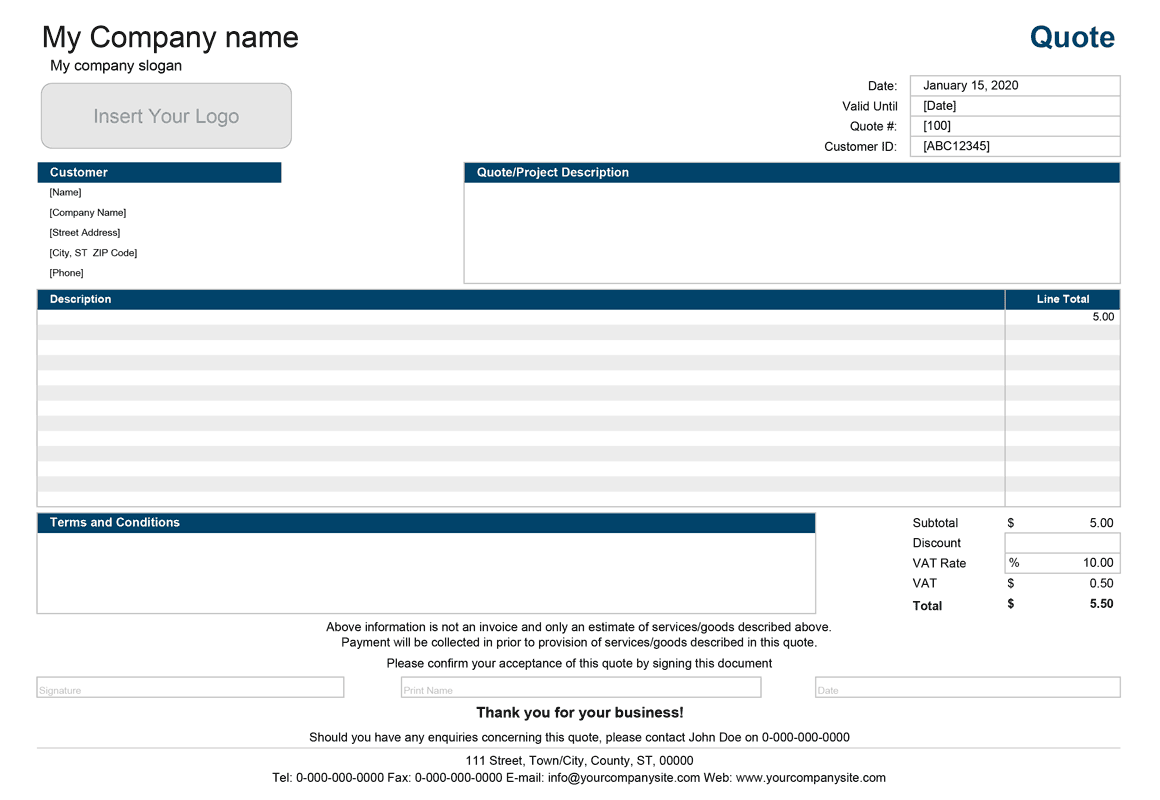
The free price quote template is almost identical to our simple invoice template, with a few minor modifications. The template includes 2 different designs to choose from (on separate worksheets), portrait, and landscape. The latter lets you enter longer product or service descriptions.
The key differences between the price quote template and invoice template explained in the following points:
- The Ship To (If Different) area has been changed to a Quote/Project Description area where you can enter the short description of the project for which the price quote is given.
- The Special Notes and Instructions area has been changed to a Terms and Conditions area.
- The price quote also includes a signature area for your customer to accept the quote and terms by signing it.
Service Quote with Hourly Rate
for Excel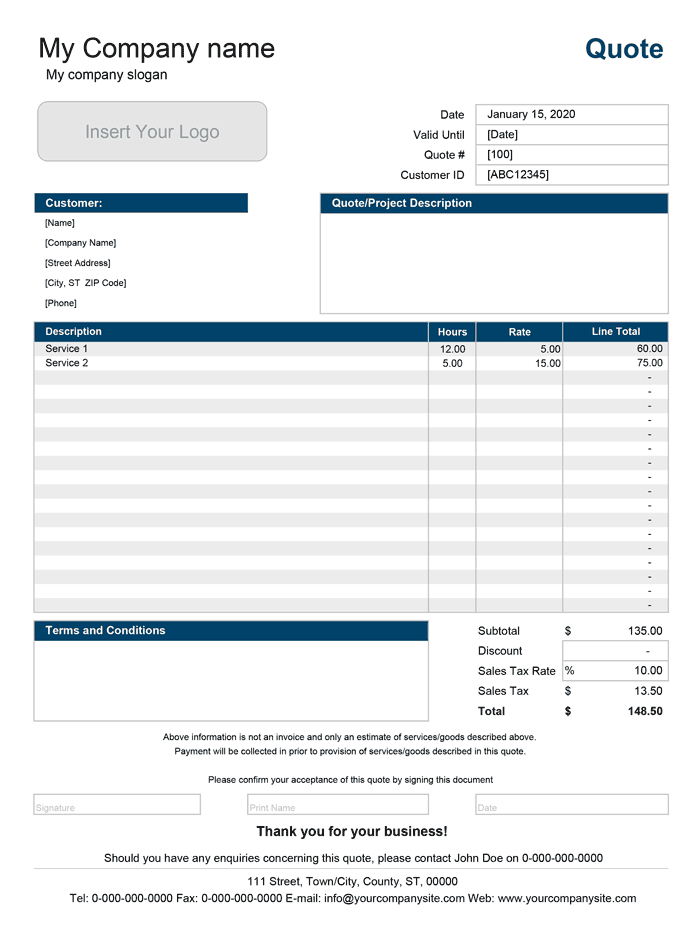
Categories
Invoices BusinessScreenshots
1 2License
Specifications
Description
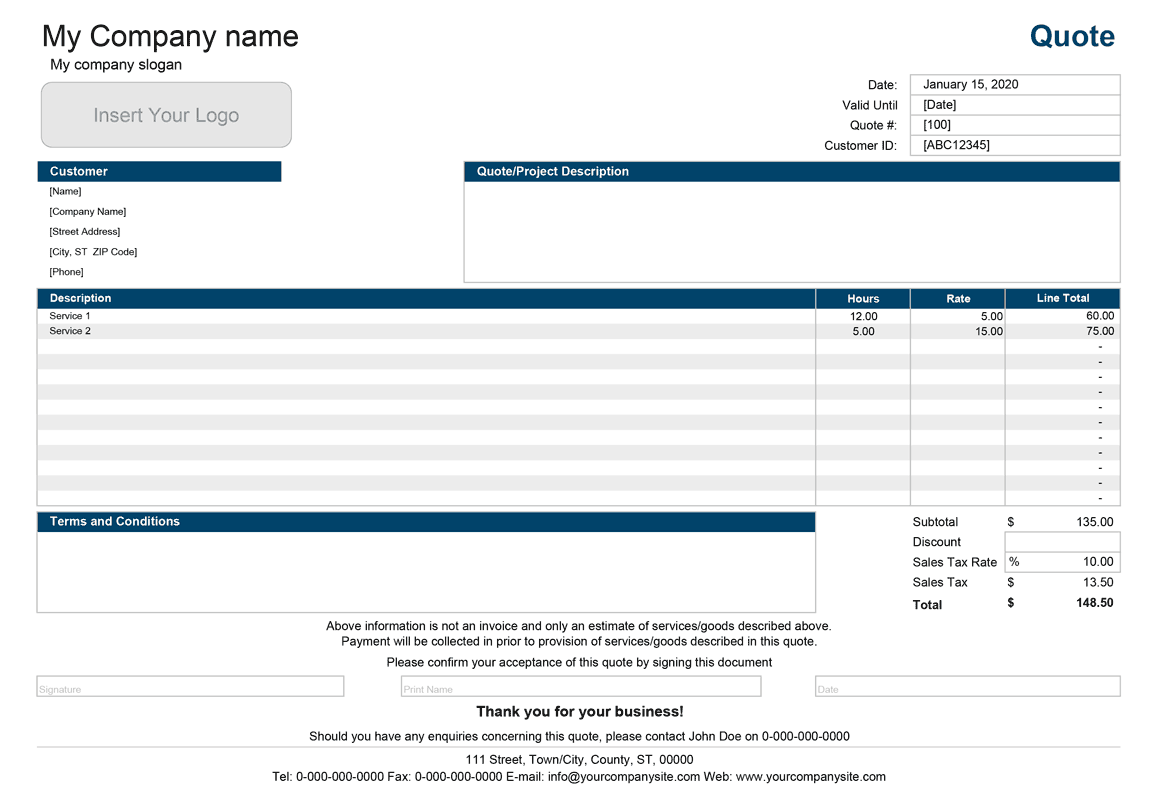
This is a modified version of the free Price Quote Template that lets you create price quotes based on the hourly rate that you intend to charge per hour of work carried. This template is especially useful when you need to give a detailed price for projects that may involve many different tasks performed by different people with different hourly rates. The Service Quote template is suitable for providing work estimates to your clients for minor repair work, IT, and maintenance.
Price Quote with Price List
for Excel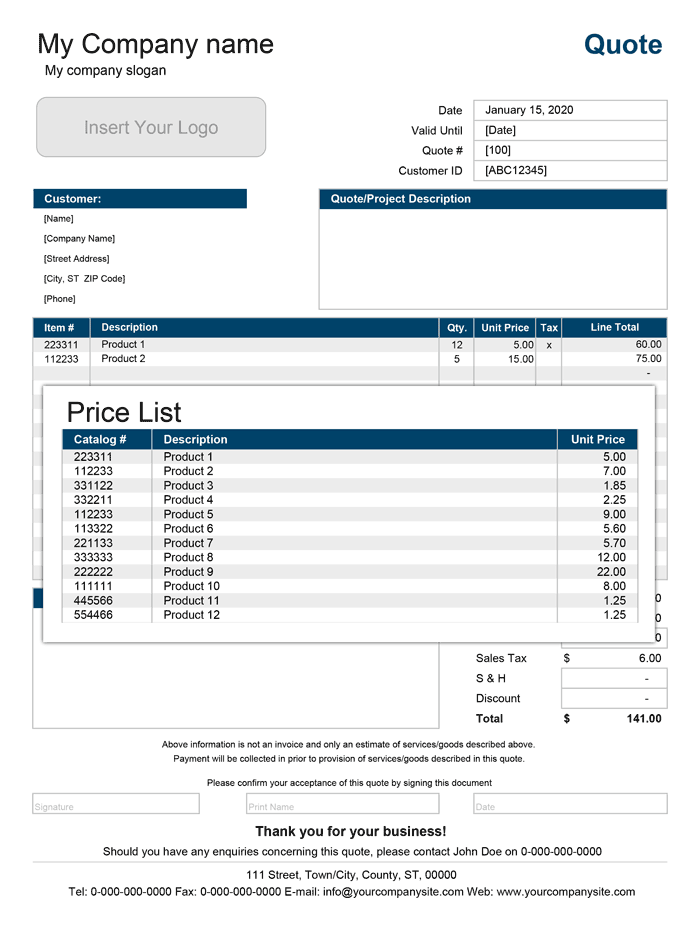
Categories
Invoices BusinessLicense
Specifications
This version is yet another modification of the price quote template that includes a price list (on a separate worksheet). This template is almost identical to our sales invoice that also contains a price list.
The template offers the convenience of the drop-down list that lets you quickly select products when creating price quotes for clients. The item number and product price will automatically update as you choose products from the drop-down. You'll have to update the product quantities so that the line total can display the total cost.
If you find it more convenient to select item numbers from the drop-down list instead of a product, the version for Excel 2007 includes a price quote (on a separate worksheet) that offers this functionality. Besides, you can optionally calculate sales tax on selected products by inserting "x" in the Tax column next to the product.
How to Use the Price Quote Template
This template has a settings page that lets you customize your price quote templates. You can selectively enable or disable option from the drop-down menu to either hide or display the company name or slogan. You can also choose the color theme from the drop-down. This page also has some country-specific settings where you can select the appropriate tax and the currency symbol.
Although all of our quote templates derived from our original sales invoice, some key differences set them apart from one another.
Valid Until (Expiration Date) - The quote must include the expiration date, after which the quote is no longer valid and frees a vendor from the responsibility of providing products or services at a quoted price.
Quote/Project Description - Usually quote includes a more detailed description of the product or project and any other key points that may help your customer to decide to choose to go with your company instead of the competitor.
Terms and Conditions - You should outline all your conditions under which you agree to provide your customers with the quoted price for your products or services. As an example, you can give your client a discount if the decision is made within a specified timeframe.
Customer Signature - Unlike an invoice, the quote usually includes an area for the customer to sign indicating the acceptance of the quote and terms.
How to Print and Send a Price Quote
We do not recommend sending the Excel file to your customers, which may contain some proprietary information, such as your customer list or discount information that you do not want to share with them.
The recommended method to send your price quote is first to convert it to a PDF file then send it by e-mail. Depending on the version of Microsoft Excel, you may need to use some additional software to do this, such as Adobe Acrobat, but there are other free tools available.