Sales Receipt Template
Create receipts in seconds, using these free sales receipt templates for ExcelTypically, sellers issue a Sales Receipt to their customers at the time of payment which also serves as proof of transaction from the Point-of-sale. This is also one of the most important commercial document that is crucial for tax preparation, requesting reimbursements and also for avoiding any dispute at the time of refunds or returns. For growing businesses, creating sales receipts on papers is a time-consuming task hence Spreadsheet123's has created a Sales Receipt template to make it easier for you to record and manage your receipts.
At the time of sale, you can quickly record the product information, quantity and price along with the payment details. This template can be used by any business that has either just started or have low to medium volume of sales transactions. This template is a good substitute for expensive billing software.
Printable Sales Receipt Form
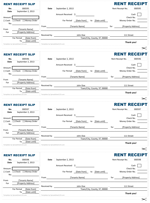
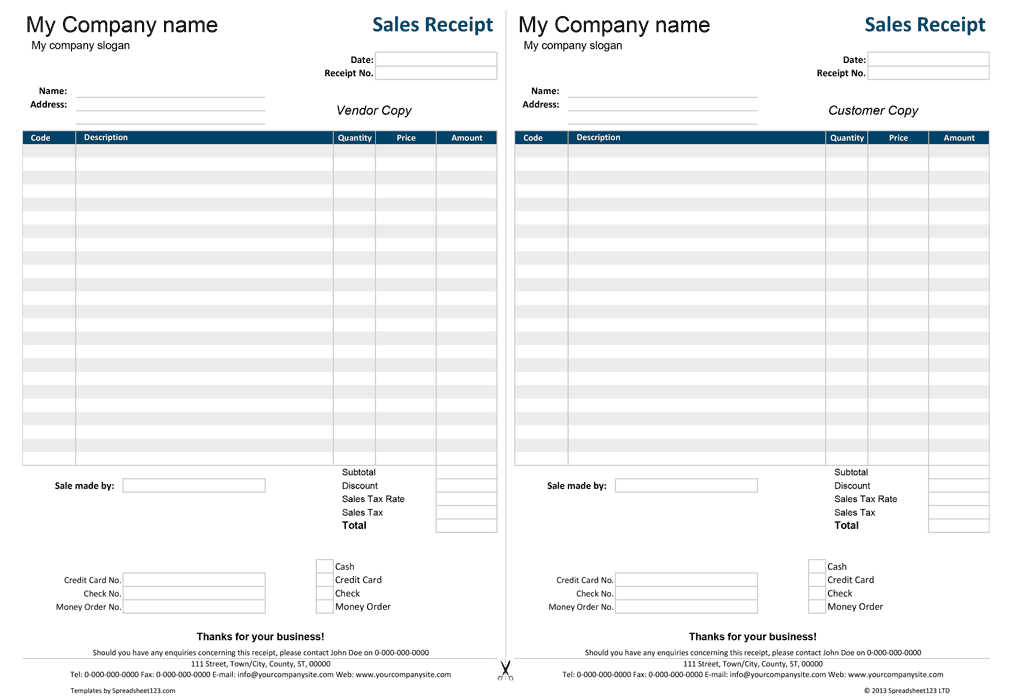
This is a blank sales receipt form with editable fields. Fill in the information you want to have printed, or print as a blank receipt to fill out by hand.
Sales Receipt Form (.pdf)You will need Adobe Reader to view, edit, and print receipts. Enter the information in the fields that will be the same for every receipt, such as your company name and address, then print a bunch of blank copies. Alternatively, you can fill out the form in PDF editor. Line total, Subtotal, and Total amount calculations are fully automated. The Date section includes easy to use date picker calendar. This version also includes the detachable remittance slip.
Sales Receipt Template
for Excel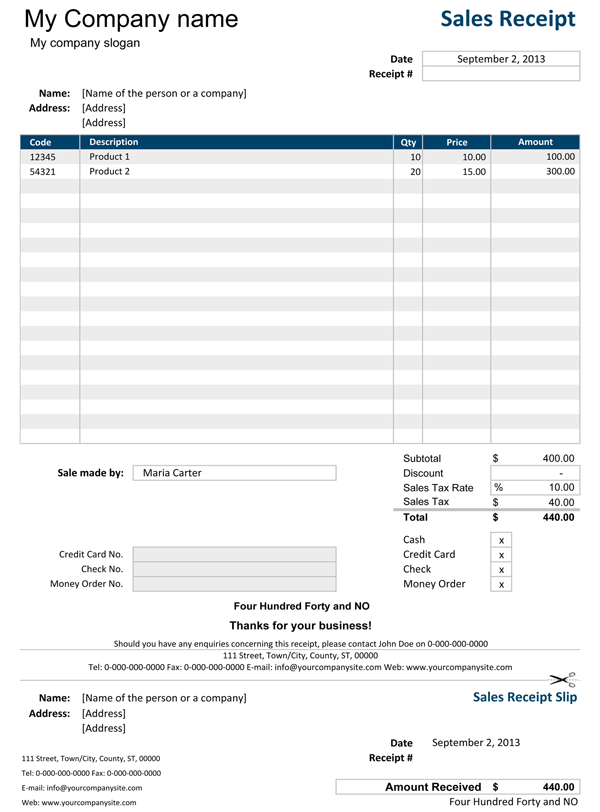
Categories
Invoices BusinessScreenshots
1 2License
Specifications
How to Use the Sales Receipt Template
To use the template right away, you only have to provide some necessary details like Company Name, Company Slogan, Company Address. This template lets you set the default currency by selecting a currency symbol from the drop-down menu under the country-specific settings. Here you can also set the relevant tax type. The template has an inbuilt design picker, where you can choose a color scheme appropriate for your company. And if this is not enough, you can also use Excel's Themes or colors located in the Page Layout ribbon of Excel 2007 and newer.
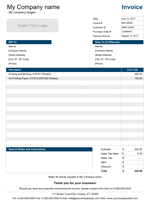
Once you complete the setup, click on the second sheet titled "Sales Receipt" where you can enter the details of the customer, purchase date, receipt #, etc. In the product description area, enter the details of your product(s) like product code, description, quantity, and price. This sales receipt template allows you to specify a discount, if applicable, in the summary area under the product description along with the tax rate and details of the payment method. This version has a detachable Sales Receipt Slip section at the bottom of the receipt, which you should keep for your records.
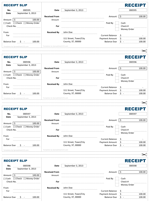
The third worksheet includes another version and offers a slightly different approach for creating and printing your receipts. It is designed in a way that allows you to record in double format. All details entered on your copy will be transferred to the customer copy, thus enabling you to create two receipts simultaneously. You can print the receipt and give one copy to the customer and keep another for your own records.
Sales Receipt with Price List
for Excel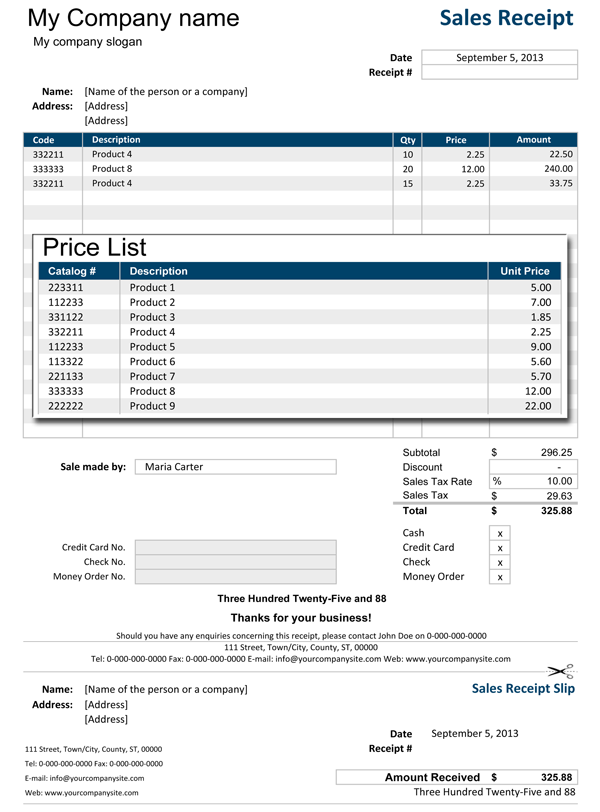
Categories
Invoices BusinessLicense
Specifications
Recent Questions
What is Subtotal and Sales Receipt Total? Subtotal is the sum of Amount Column which is total value of purchase done by customer and Sales Receipt Total takes into account the Discount and adds the sales tax to the Subtotal amount.
Just remember not to delete formulas that column Line Amount contains as well as formula from sub-column Sub Total, Sales Tax, Sub Total that contain currency symbols. Once you become more familiar with the template you can simply protect these columns from unnecessary changes using Excel's Protect Sheet option. For recording more products on your list, you can simply insert rows in between, as per your requirement.
We recommend you to send a PDF version of your invoice instead of excel file. You can use a PDF converter or printer to create a PDF file for Microsoft Excel 2010 and earlier or use built in PDF converter of Excel 2013. Alternatively you can also print it and send it by mail service or FAX.
Function used in template
- SUM(number1, [number2], [number3], [number4], ...)
- IF(logical_test, [value_if_true], [value_if_false])