Packing Slip Template
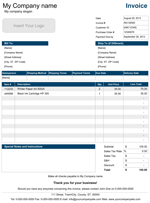
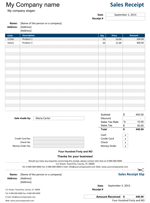
Download Packing Slip Template for Microsoft® Excel® and Google SheetsThe Packing Slip Template is designed as the corresponding document for our sales invoice and purchase order templates. The businesses would usually include packing slip with the shipment to indicate the products in containers or boxes. It is also very common to use packing slip for an indication of goods that were ordered but were not shipped. Although it is not a legal requirement to use packing slips in business practice, using one will never do any harm, can surely minimize accidental mistakes and ease your communication with customers.
Packing Slip Template
for Excel & Google Sheets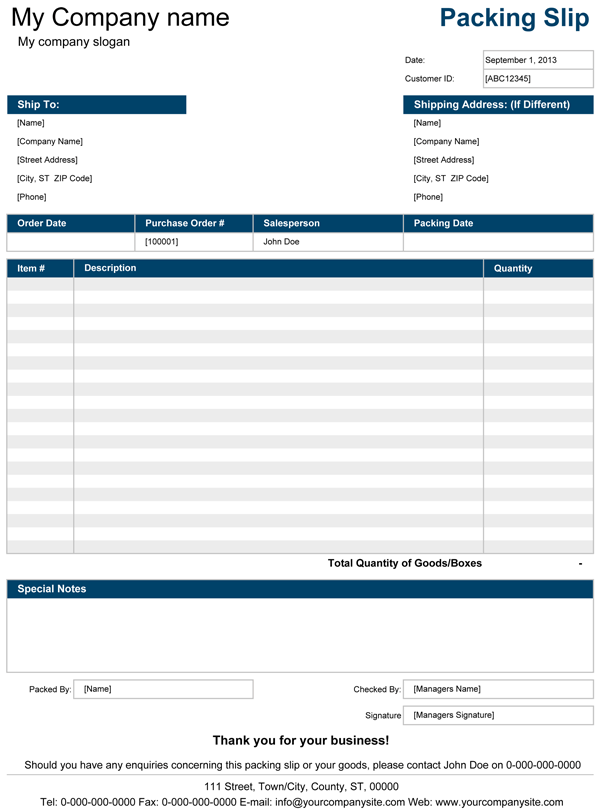
Categories
Invoices BusinessLicense
Specifications
Using Packing Slip Template
To make the customization process simpler, we have used the same traditional design found in many of Spreadsheet123's invoice templates.
All general customization options are located on the Setting tab, where you'll find fields for entering your company details, such as your company name, address, and other contact details. Here you can also pick the color theme for your packing slips. Some of the settings are optional and can be turned on/off.
You can insert your logo on each of the templates instead of displaying the company name and slogan. To do this, click on the Insert Tab > Pictures in Excel 2010 or newer or Insert > Picture > From File in the older version of Microsoft Excel. The spreadsheet includes four packing slip templates, both in portrait and landscape mode.
Always create three copies of the packing slip to keep one for your records and send the other two to your customer along with the shipment. Your courier can obtain a signature upon delivery then return the signed copy to you, which is a confirmation of delivery and condition of products delivered to avoid any disputes.