
Sales Invoice Template
Professional Sales Invoice Template for Microsoft Excel® and Google SheetsThere is a considerable number of software and applications that can help you with your day-to-day invoicing tasks. Still, most of such software is either too expensive for a small business or lacks flexibility. With that in mind, we started to experiment in Microsoft Excel® and created several simple, professional and free sales invoice templates. You can download these easy to use invoice templates completely free on this page. Excel invoice templates are by far the best and most robust invoicing solution for a business of any size and in most cases, provide better peace of mind than any invoicing software.
Spreadsheet123's sales invoice templates were designed with a small business owner in mind. They include almost every feature you would expect in an invoicing software, such as shipping information, alternate shipping address, fields for entering the product code, quantity, unit price and special notes or instructions. We have also created many complementary templates, such as purchase order, price quote, packing slip and delivery note. These templates have the same design and feel as our sales invoices, which makes it easier for our users to preserve that branded look across all documents.
Sales Invoice Template
for Excel, Google Sheets & OpenOffice.org Calc
Categories
Invoices BusinessLicense
Specifications
Using the Sales Invoice Templates
We tried to create a most basic and easy to use sales invoice template, so that it could be customized in a matter of minutes. Ease of customization helps you save some time. After downloading the spreadsheet, you will find the settings tab, which will let you do most of the customizations. Here you can set up your company name, add slogan and address, select currency symbol specific to your country of residence, and even select the color theme for your invoice templates from four pre-set colors. Some of the settings are optional, such as company name. For example, you would still need to enter the name in the field, but at the same time, if desired, you can disable it, so that the company name does not appear on your invoice. Some users may prefer to insert their company logo, which can have all the necessary information that they want to display on their invoices, which is why some options can be disabled altogether. The settings are template-wide, meaning, any changes made here are effectively carried throughout all four invoice templates inside the spreadsheet.
The sales invoice spreadsheet consists of multiple worksheet tabs, giving you more options to use all four invoice templates or use one that you like most. Many of the invoices are in the ink-friendly format, which will save you some printer ink.
Generally, we do not recommend printing and mailing your invoices, unless this is absolutely necessary. Instead, you can use a PDF printer, like Adobe Acrobat or similar to convert your invoices to PDF and then email the PDF file to your clients.
Sales Invoice with Remittance Slip
for Excel, Google Sheets & OpenOffice.org Calc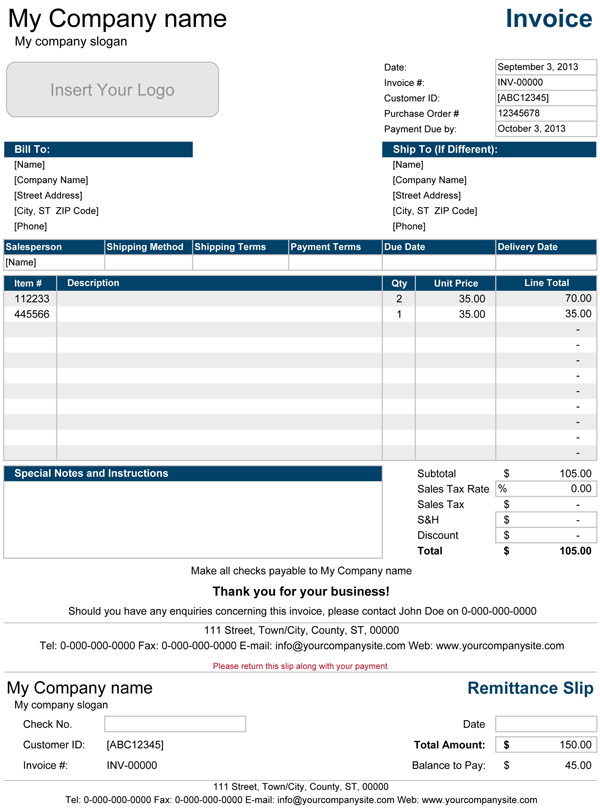
Categories
Invoices BusinessLicense
Specifications
The Sales Invoice with Remittance Slip
This is a modified version of the original sales invoice template that includes a detachable remittance slip. The information on the remittance slip is updated automatically, except the fields that need to be filled out by your customer. The remittance slip also performs a calculation of an outstanding balance, when partial payments are made.
Sales Invoice with Price List
for Excel, Google Sheets & OpenOffice.org Calc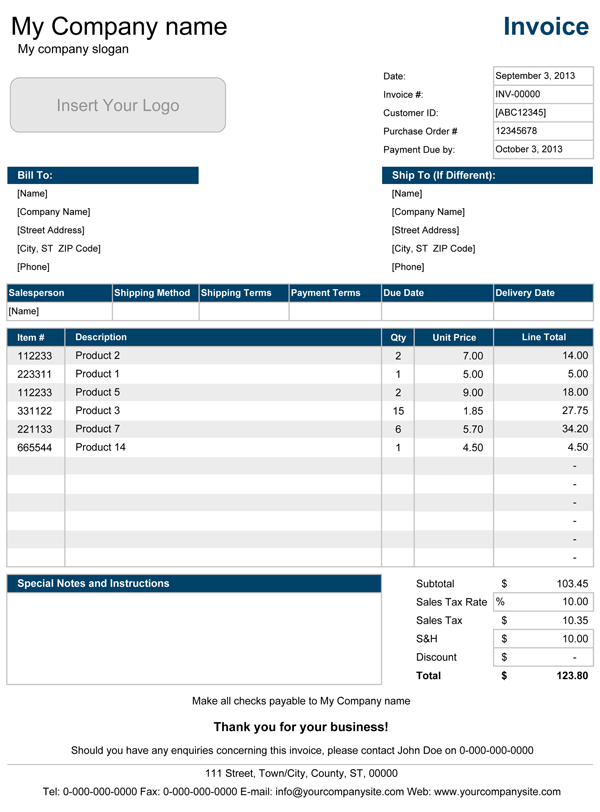
Categories
Invoices BusinessLicense
Specifications
The Sales Invoice with Price List
This is another modification of the original sales invoice. This version comes equipped with a price list (on a separate worksheet), which lets you create a product catalog. You can include product code and unit price along with the product name or description. This inclusion makes creating your invoices more comfortable, convenient and fast, as you do not have to type details manually. You can select products from the drop-down in the description area of the invoice. The product number and unit price will automatically pull the information from the predefined product list as you select products. The Line Total will reflect the unit price multiplied by the quantity of the product.